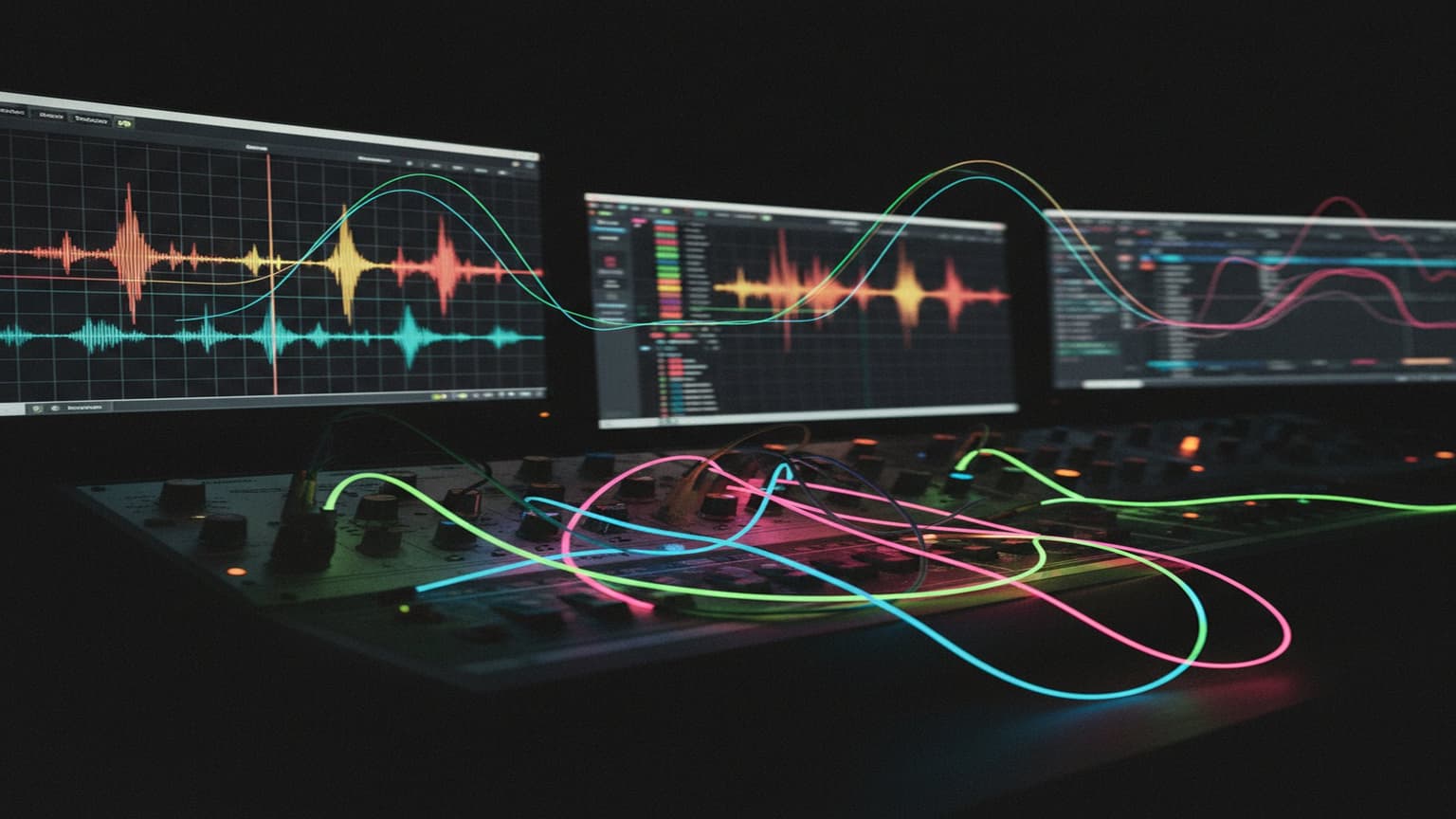
Creative Effects Chains for Electronic Music Production
Beyond Default Effect Order
Most producers use effects in the same order: EQ → Compression → Saturation → Delay → Reverb. It works. But rearranging these same effects creates entirely different results.
The principle: effects process whatever comes before them. Reverb after distortion sounds different from distortion after reverb, because each effect is transforming a different input.
Chain Experiments
1. Reverb → Distortion
Normal order: clean signal gets reverb, stays clean. Reversed: distortion crushes the reverb tail, creating a wall of harmonically rich ambience.
Use for: aggressive ambient textures, shoegaze-inspired pads, lo-fi atmosphere.
2. Chorus → Reverb → Pitch Shift
Start with a simple pad. Chorus widens it, reverb adds space, then a subtle pitch shift (+5 cents or +1 octave mixed low) creates shimmering overtones.
Use for: ambient pads, ethereal textures, cinematic backgrounds.
3. Delay → Filter → Delay
First delay creates echoes. Filter removes lows (or highs) from the echoes. Second delay repeats the filtered echoes, creating increasingly thin, distant repetitions.
Use for: dub-style delay trails, psychedelic effects, spatial depth.
4. Compressor → Reverb (Parallel)
Heavily compress a signal (10:1 ratio, fast attack), then send ONLY the compressed signal to reverb. The reverb responds to a consistent level, creating an even, sustained reverb tail regardless of the input dynamics.
Use for: vocals sitting in dense mixes, sustaining guitar-like textures from short sounds.
5. Granular Processing → EQ → Reverb
Granular effects chop audio into tiny grains and rearrange them. The output is often harsh and chaotic. EQ tames the result, and reverb smooths the grain boundaries.
Use for: transforming any sound into an evolving pad, creating textures from speech or field recordings.
Parallel Processing Techniques
Parallel processing blends a processed signal with the dry original. This preserves the character of the original while adding new dimensions.
Parallel Distortion
Send your clean signal to a return track with heavy distortion. Mix the distorted return in low (10-20%). Result: the original sound with added harmonics and presence, without losing clarity.
This works brilliantly on bass — keeps the clean low-end foundation while adding mid-range grit.
Parallel Compression (New York Compression)
Send to a return with extreme compression (20:1, fast attack, fast release). Mix in to taste. Result: punchy drums that retain their transients but gain sustain and body.
Parallel Reverb with EQ
Send to a return with large reverb, but EQ the reverb return aggressively — cut everything below 500Hz and above 8kHz. Result: airy space without low-end mud or harsh reflections.
Time-Based Effect Creativity
Ping-Pong Delay with Automation
Automate the delay time while audio is feeding in. The pitch shifts as the delay time changes, creating doppler-like effects. Automate from long (1/2 note) to short (1/32 note) for a "reeling in" effect.
Reverse Reverb
- Print your audio to a new track
- Reverse the audio
- Add heavy reverb (100% wet)
- Bounce/print the result
- Reverse again
Result: the reverb tail precedes the sound, creating an eerie swell into each note. Classic on vocals and snares.
Gated Reverb
Large reverb → noise gate. The reverb blooms, then cuts off abruptly. This is the classic 1980s drum sound, but it works on synths and vocals too.
Set the gate threshold so the reverb cuts off after 200-500ms for a dramatic, punchy effect.
Modulation Stacking
Chorus → Flanger → Phaser
Each modulation effect creates slightly different movement. Stacking them creates complex, evolving textures that no single effect can produce. Keep each one subtle (10-30% wet).
Ring Modulation for Metallic Textures
Ring modulation multiplies your signal with a carrier frequency, creating inharmonic sidebands. Feed it a simple chord and you get complex, bell-like or metallic tones. Set the carrier frequency to a musical interval of your root note for tuned results.
The "Less Is More" Rule
Creative effects chains are powerful, but restraint matters:
- One signature effect per track — If everything has a special effect, nothing stands out
- Automate wet/dry — Bring effects in for specific moments, not the entire song
- Print and edit — Once you like an effect result, bounce it to audio. This lets you edit the result and frees CPU
- A/B constantly — Bypass your chain frequently to make sure you're actually improving the sound
For more sound design context, see our fundamentals guide and lo-fi texture techniques.
Looking for a performance-ready looping tool for Ableton? LoopMonster is a 5-track Max for Live loop station with quantized recording, overdub, and full MIDI-mapping — no hardware required. Check it out →