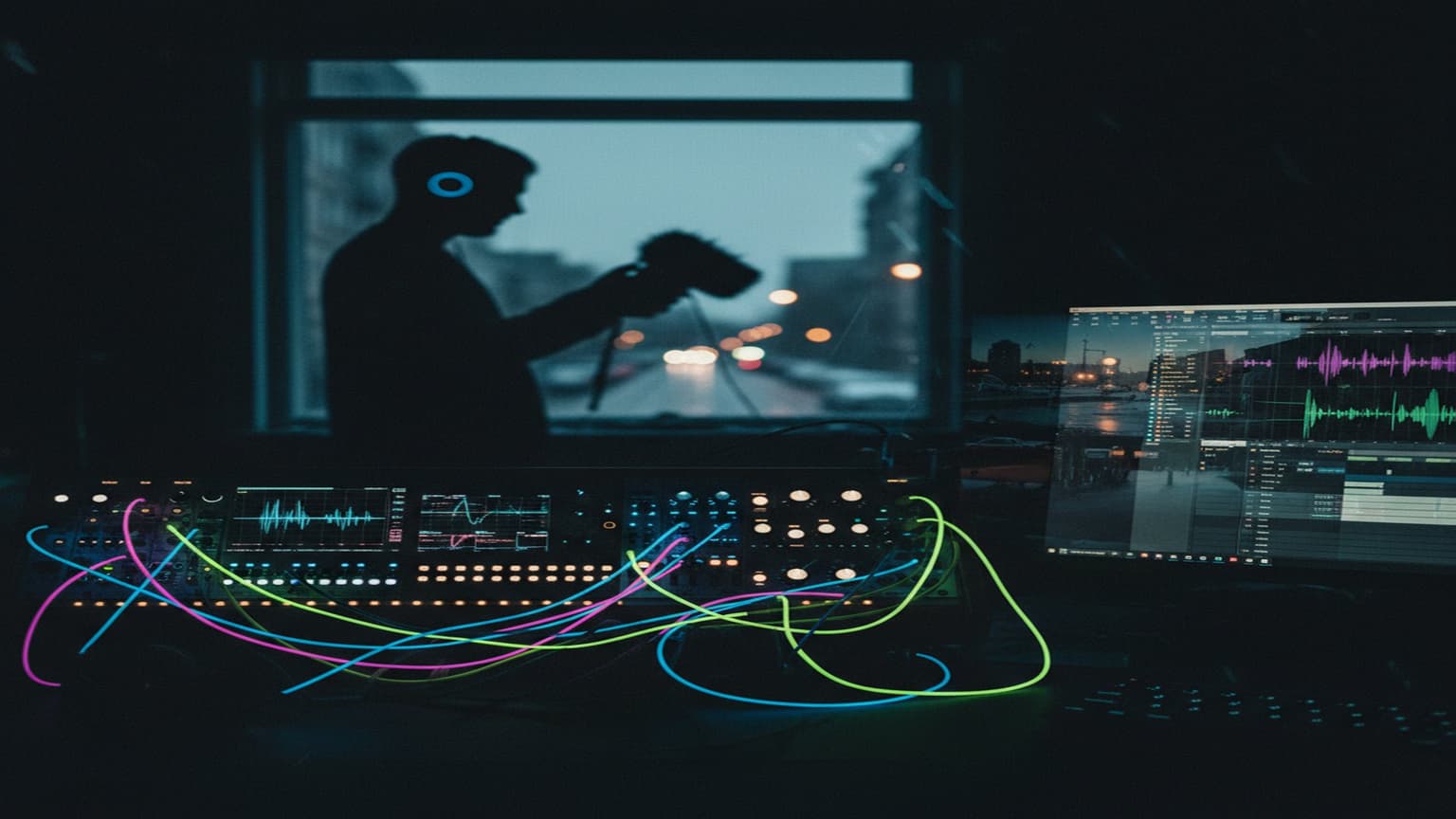
Field Recording for Electronic Music: Capturing the Real World
Why Field Recordings?
Every sound in electronic music typically comes from a synthesizer or a sample pack. Field recordings break that pattern — they bring organic, unrepeatable textures that no synth can generate.
Rain hitting a window. The hum of a refrigerator. Footsteps in a parking garage. These sounds connect electronic music to the physical world.
Equipment
Portable Recorders
You don't need expensive gear to start:
- Zoom H1n (~$100) — Dead simple, good quality, fits in a pocket
- Tascam DR-40X (~$170) — Better preamps, adjustable mics
- Zoom H5/H6 (~$280-350) — Interchangeable capsules, professional quality
Phone Recording
Your phone's built-in mic is surprisingly usable for texture recordings. Limitations:
- Automatic gain control fights you (some apps disable AGC)
- Limited frequency response (rolls off below 80Hz and above 16kHz)
- Compression artifacts at high volumes
For ambient textures and room tone, phone recordings work fine. For percussive or dynamic sounds, use a dedicated recorder.
Microphone Types
For field recording:
- Stereo pair (built-in on portable recorders) — Natural, immersive capture
- Shotgun mic — Focused, rejects off-axis sound. Good for isolating specific sources
- Contact mic — Picks up vibrations from surfaces. Produces otherworldly sounds from mundane objects
Contact mics are the most interesting for electronic music. Attach one to a metal railing, a window, a piano soundboard — you get sounds no other mic can capture.
What to Record
Textures and Ambiences
- Rain (light drizzle, heavy downpour, on glass, on metal)
- Wind (through trees, around buildings, across open fields)
- Water (streams, fountains, dripping, waves)
- City hum (distant traffic, construction, crowds)
- Indoor ambience (coffee shop murmur, office ventilation, kitchen appliances)
Percussive Sounds
- Metal strikes (pots, railings, pipes, coins)
- Wood hits (tables, doors, cutting boards)
- Body percussion (claps, snaps, stomps)
- Found objects (crumpling paper, zippers, keys)
Tonal Sources
- Singing bowls, glasses with water
- Bowed metal (with a cello bow on metal objects)
- Feedback from speakers/monitors (be careful with volume)
- Resonant spaces (stairwells, tunnels, tiled rooms)
Processing Field Recordings
Basic Cleanup
- Trim — Remove dead air at start and end
- Normalize — Bring the level up to a usable range
- High-pass filter — Remove rumble below 40-60Hz (unless you want the rumble)
- De-noise — Reduce consistent background hiss (spectral de-noise tools)
Creative Processing
This is where field recordings become musical:
Time-stretching: Slow a 2-second recording to 30 seconds. The result is a drone or pad-like texture. Works especially well with metallic or tonal recordings.
Granular synthesis: Load a field recording into a granular synth. Adjust grain size, density, and position to create evolving textures from static recordings.
Spectral processing: Use spectral editors to isolate specific frequencies from a recording. Extract the tonal elements from a coffee shop ambience. Remove everything except the high-frequency sizzle from a rain recording.
Reversing: Reversed rain sounds like a rising wash. Reversed metal hits create organic swell effects.
Convolution: Use a field recording as an impulse response in a convolution reverb. Your synths now sound like they're playing inside the space where you recorded.
Integration Techniques
As Background Texture
Layer processed field recordings very low in your mix (-25 to -35 dB relative to your main elements). They shouldn't be consciously audible — they add depth and organic character without drawing attention.
As Rhythmic Elements
Chop percussive field recordings into one-shot samples. A door slam becomes a kick. Keys jingling become a shaker. Metal strikes become hi-hats. Process them to sit in the mix alongside your electronic drums.
As Melodic Source Material
Pitch-shifted and time-stretched field recordings can become pads, leads, and bass sounds:
- Record a singing bowl strike
- Time-stretch to 10x length
- Pitch down two octaves
- Layer with a sub sine oscillator
- Result: organic bass with harmonics no synthesizer produces
Recording Tips
- Record longer than you think you need — 5 minutes minimum for ambiences
- Record at 24-bit/48kHz minimum — You can always downsample later
- Record at lower gain to avoid clipping — You can boost later, but you can't fix digital clipping
- Take notes — Record a voice memo describing the source, location, and date
- Record silence — The room tone or ambient noise floor of a location is useful on its own
For more on processing these recordings into finished textures, see creating lo-fi textures and sound design fundamentals.
Looking for a performance-ready looping tool for Ableton? LoopMonster is a 5-track Max for Live loop station with quantized recording, overdub, and full MIDI-mapping — no hardware required. Check it out →