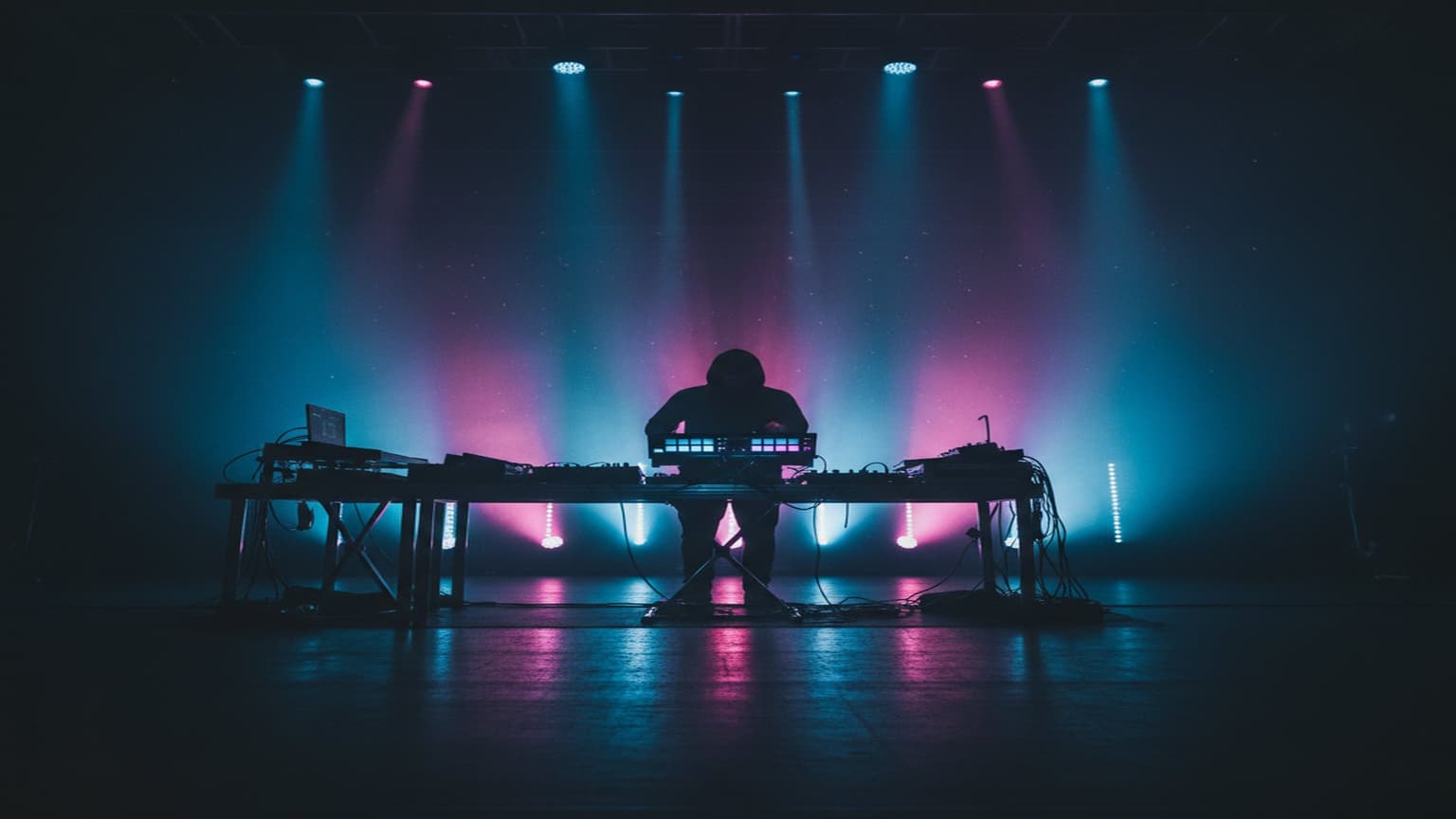
The Complete Guide to Live Electronic Music Performance
Why Live Electronic Performance Matters
The line between DJ sets and live electronic performance continues to blur. But there's a fundamental difference: live performance means creating or manipulating music in real time, not just mixing pre-made tracks. Whether you're triggering clips, tweaking synth parameters, or playing melodic lines on a controller, live performance demands a different skill set — and a different mindset.
This guide covers everything from building your rig to managing the chaos of a live set.
Building Your Performance Rig
The Core: DAW or Hardware?
Most performers fall into one of three camps:
- DAW-based — Ableton Live is the dominant choice, with its Session View designed for non-linear performance. You trigger clips, scenes, and effects while the software handles sync and routing.
- Hardware-based — Elektron boxes, drum machines, and standalone synths. No laptop on stage. More tactile, but less flexible.
- Hybrid — The sweet spot for many. A laptop running Ableton with hardware synths and controllers feeding into it.
There's no right answer. But if you're starting out, a DAW-based setup gives you the most flexibility with the least investment.
Essential Gear Checklist
- Audio interface with low latency (under 10ms round-trip)
- MIDI controller with knobs and pads — the Akai APC40, Push, or Launchpad are popular choices
- Backup plan — a USB drive with your stems as WAV files, in case everything fails
- DI box — venues expect balanced outputs; don't rely on a headphone jack
Software Architecture for Live Sets
Ableton Session View
Organize your set into scenes (rows) that represent song sections or energy levels. Each track (column) holds a different element: drums, bass, pads, leads, FX.
Tips for clean Session View organization:
- Color-code by element type (all drums one color, all melodic another)
- Keep your master effects chain simple — a limiter and maybe a filter
- Use follow actions for evolving patterns that keep the set unpredictable
- Group related tracks and assign macro controls
Max for Live Integration
Max for Live transforms Ableton from a playback engine into a performance instrument. You can build custom devices that respond to your playing in ways no stock plugin can:
- LFO-driven parameter sweeps that sync to tempo
- Probability-based note triggers that add controlled randomness
- Custom MIDI routing that maps one controller to complex multi-parameter changes
- Audio-reactive visuals that respond to your mix in real time
The beauty of Max for Live is that devices can be as simple or complex as you need. A single knob controlling three parameters with different curves is a game-changer for live performance.
Managing Latency
Latency is the enemy of live performance. Even 20ms of delay between pressing a pad and hearing the sound can throw off your timing.
Reducing Latency
- Set your audio buffer to 128 samples (or 64 if your CPU handles it)
- Freeze tracks you're not actively manipulating
- Avoid heavy plugins on live input channels — save the convolution reverbs for studio work
- Use direct monitoring on your audio interface for any live inputs
When Latency Is Acceptable
Not everything needs to be zero-latency. Pad swells, ambient textures, and background elements can tolerate higher buffer sizes. Only your rhythmic triggers and melodic playing need tight timing.
The Performance Itself
Set Structure
A common structure for a 45-60 minute live set:
- Intro (5 min) — Build atmosphere, establish the sonic palette
- Build (10 min) — Introduce rhythmic elements gradually
- Peak 1 (10 min) — Full energy, your strongest material
- Breakdown (5 min) — Strip back, create contrast
- Peak 2 (10 min) — Second wave, different energy
- Outro (5 min) — Wind down gracefully
Stage Presence
The biggest criticism of laptop performers: it looks like you're checking email. Combat this by:
- Standing up (get a laptop stand at the right height)
- Using physical controllers that create visible movement
- Making eye contact with the audience between transitions
- Reacting to the music yourself — if you're not feeling it, neither will they
Preparing for the Unexpected
Things will go wrong. Plan for it:
- Save multiple versions of your set file
- Test at the venue before the show if possible
- Know how to restart from any point in your set
- Have a DJ backup set on a USB drive
The best live performers aren't the ones who never have technical issues — they're the ones who handle them without the audience noticing.
What's Next
If you're building a live rig, start with the articles in this series: setting up your performance rig, using Max for Live for live sets, and managing latency in live sets. Each dives deeper into the specifics covered here.
The looping tool for live electronic performers: LoopMonster is a Max for Live device that adds 5-track, quantized live looping to any Ableton set — exactly the kind of tool this guide is built around. Get it here →